
UI Libraries I Found on the Internet
Introduction
In my latest project, I’ve reached the point where I need a web interface. My regular work doesn’t involve programming interfaces, only backend services. Therefore, in a career sense, I’m not a frontend programmer; I do frontend work out of necessity. Recently, I’ve delved into frontend development, using Astron and React to create a mix of static and reactive components. In a future post, I’ll discuss creating static components with Astron and using Astro as a framework. This post focuses on sharing the UI libraries I use to create fast, good-looking, functional, and free-for-commercial-use UI components.
Shadcn UI
According to their introduction on the Shadcn UI website:
*“Beautifully designed components that you can copy and paste into your apps. Accessible. Customizable. Open Source.
This is NOT a component library. It’s a collection of reusable components that you can copy and paste into your apps.”*
As someone who isn’t a frontend specialist, this tool has been incredibly helpful. It’s developed by a single person, with contributions from the GitHub community and sponsorship from Vercel. It currently has 67k stars on GitHub and 214 contributors, indicating its popularity. It is also heavily used in the new AI generator for frontend components, v0, which I’ll discuss in a different post. It’s very interesting.
Since my project needs to be completed quickly, this tool is easy to work with. It uses standard React functions for elements and can be edited on the fly. It does use TailwindCSS, which I’m not familiar with, but you can add CSS the traditional way. Simply search for the CSS you need, and you’ll find quick answers.
Here are some examples of what I built using this library:
In my project, I designed my login page:

This block is ready to use right out of the box; I just added a picture and the API call for login. It’s that simple. Blocks are predefined, ready-to-use pages made from components.
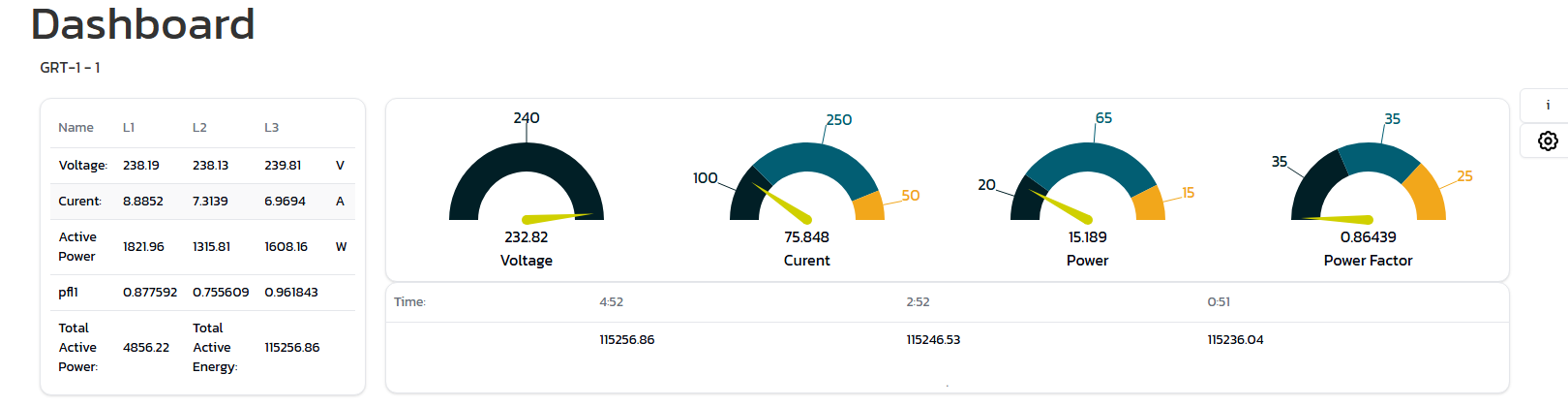
This is how I display the latest meter data. It’s still a work in progress and needs some finishing touches. However, I wanted to show you how I used the card and table components to create a visually appealing dashboard item with minimal effort.
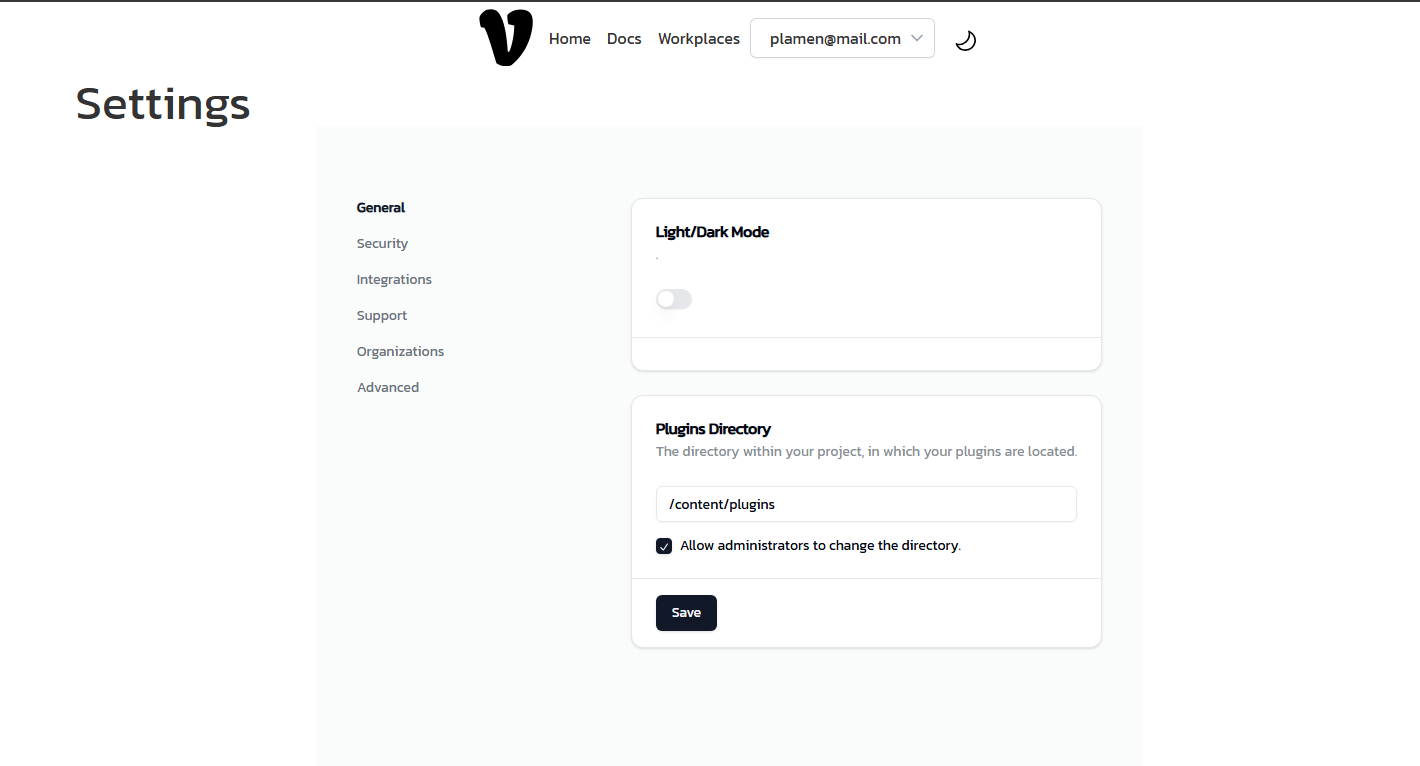
This is the settings page, which I created using blocks from the Shadcn UI library. Overall, the tool is good and helps with the more common functions that every software needs.
Radix UI
Radix UI is a component library offering a wide range of UI elements. [Continue with details about Radix UI here.]
Tailwind UI Tailwind UI is from the Tailwind CSS team and is quite impressive. Like the others, it provides the basic building blocks for standard software. The essence of the UI pack is that you use Tailwind as your UI toolkit, leveraging its power to create quick and easily composable components. The UI pack does provide pre-made components, but it’s worth noting that it is a paid product, available as a personal or team package. The good news is that the purchase is a one-time fee for lifetime access. I haven’t yet fully explored its features, as I’ve only used the free components.
Here are some of the free components I reworked for my project:
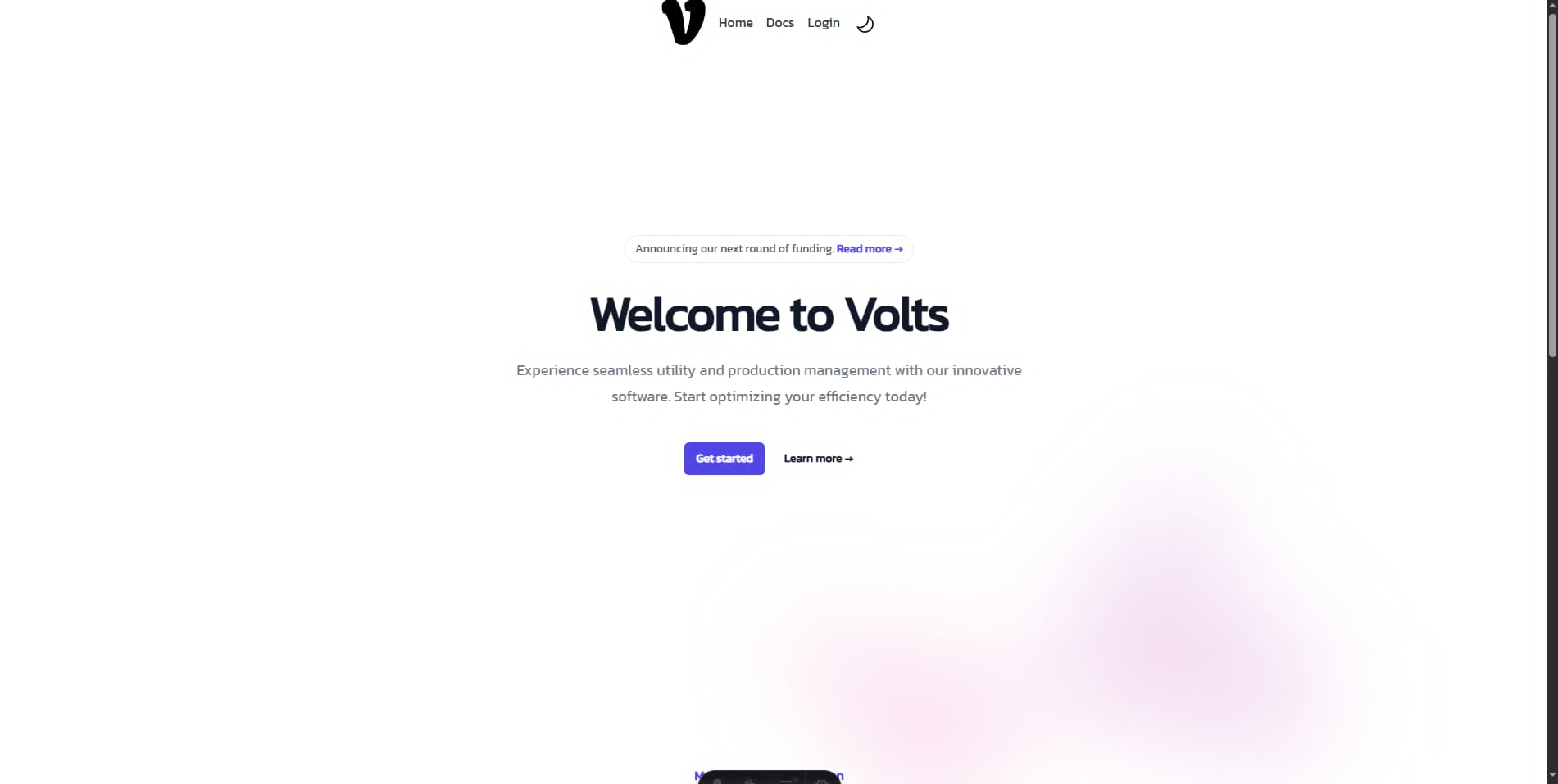
This is the homepage for the web interface. I added the pre-built components as React components and called them in Astro, so this is just HTML in the end.
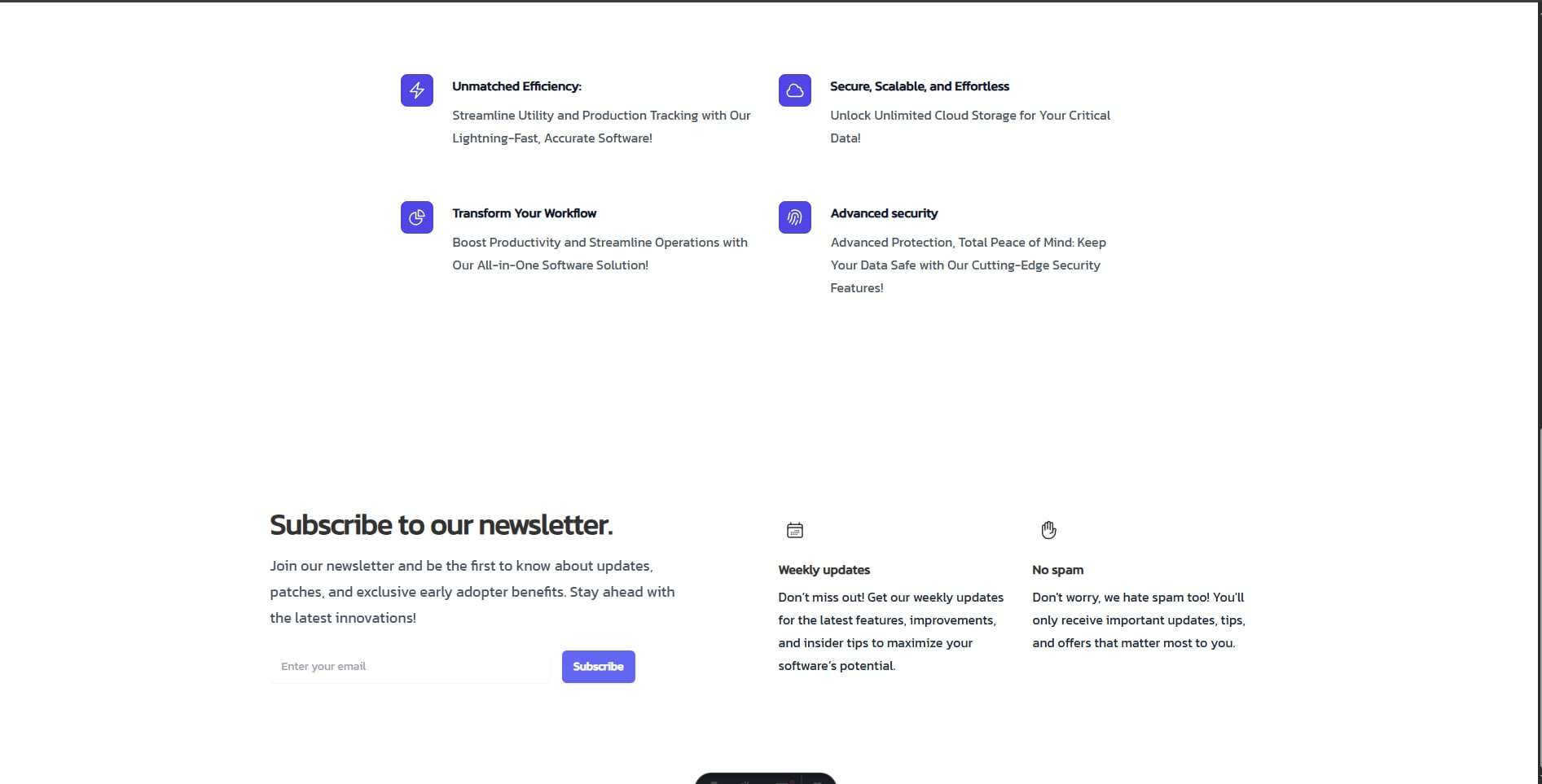
Similarly, this is the Features component and the Newsletter subscription form.
Overall, I liked the library without delving too deeply into it. I’m considering purchasing the license and exploring the features in a future blog post.
Final Thoughts
Before starting this project, I had never used UI libraries. Previously, I only used the Angular Material library, which worked fantastically with Angular. Before that, I used to create my own components. UI libraries have come a long way. Now the focus is on locally stored components rather than imports, which will lead to a more secure and efficient JavaScript ecosystem.