One week Challenge
Introduction
I haven’t posted in a month, and that’s because I’ve been focused on my master’s thesis, which is my Volts project. However, this past week, I’ve been waiting for approval for my project and can’t move forward with it. That’s how I got the idea to create a challenge for myself while I wait.
One Week Project
I want to start a tradition where, for one week, I design, research, and publish a software project. The software won’t be something mind-blowing or complex but just something that does one thing and does it well.
Yes, I know I have an ongoing project that still needs a lot of work, but I feel burned out on it. I want to challenge myself and use my new knowledge from Volts to implement everything I’ve learned in a quick and easy project. This way, I can see if my approach to programming is optimal.
The project I plan to build must follow strict guidelines to prevent it from becoming too big or too complex. After all, I only have one week to build and deploy it. That’s where a well-built software design document comes into play.
Software Design Document
Before diving into the software’s purpose and functionality, let’s talk about what a software design document is. This document describes the scope and limitations of the software. I won’t go too deep into how to create or optimize a design document here, but I promise to write a separate blog post on that topic after the week is over. In the meantime, here’s an excellent post by Lucidchart about how to create a design document, along with a template to help you get started: How to Create Software Design Documents.
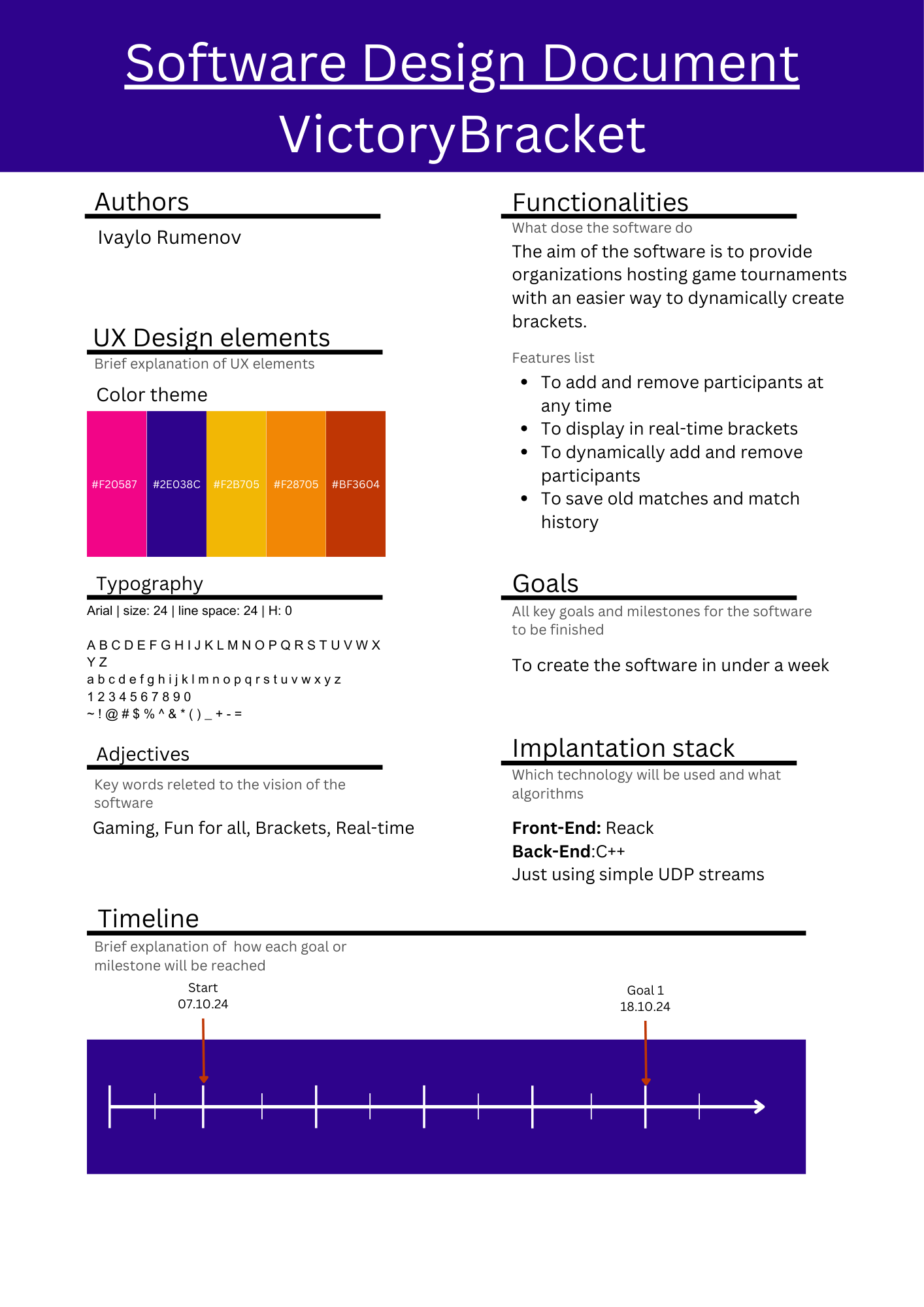
I’ve created my own interpretation of what a design document should contain, and you can check it out here.
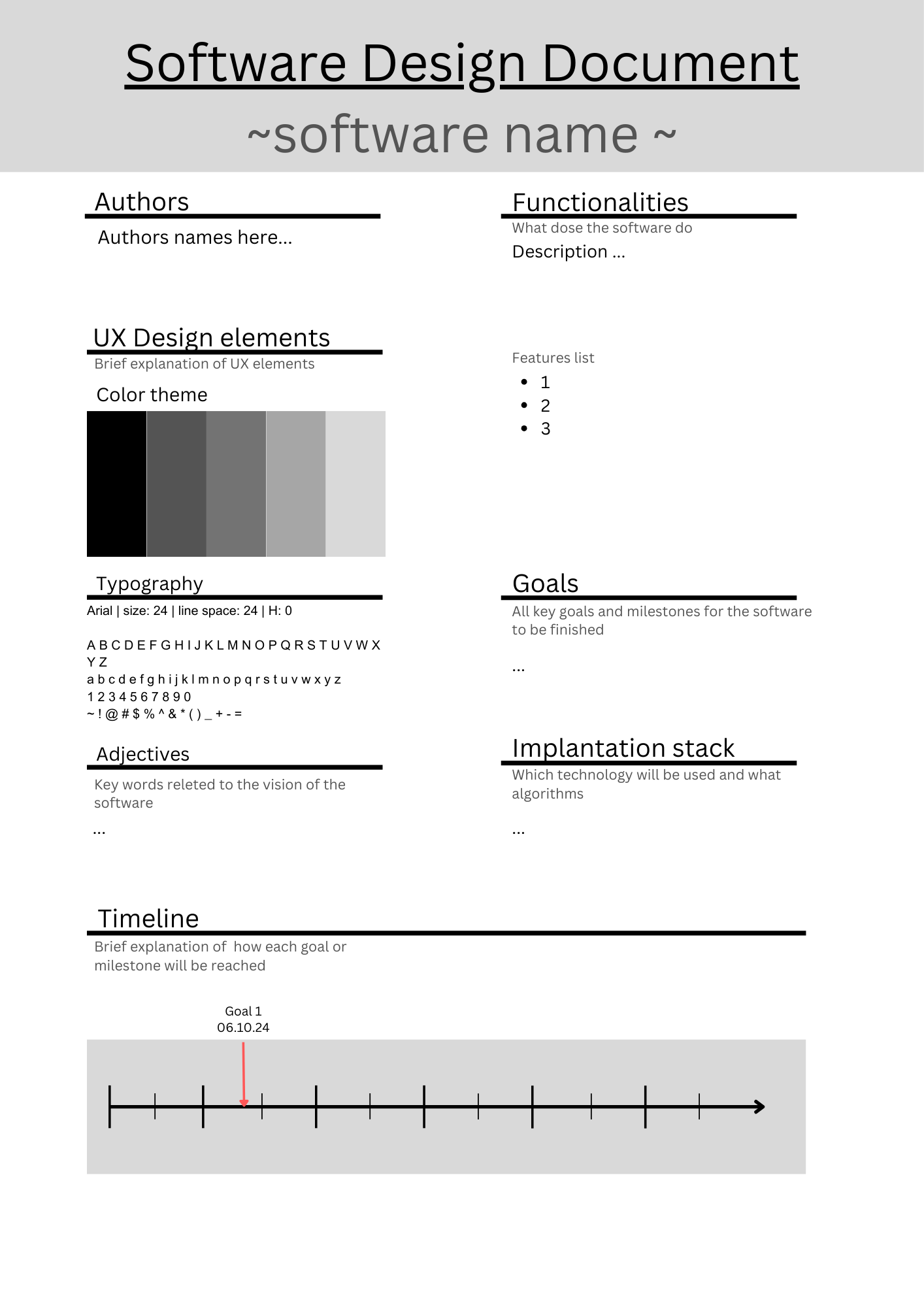
I’ll be using my custom template so you can follow along with my document and reference it if you’re wondering what to include.
The Software
So, what is this software about? The one-week software project will focus on managing and updating game tournaments. At my job at DXC, I help set up games and organize the tournament brackets. My fantastic coworkers are great at tracking the games and players, but after the last tournament, we were all drained—mainly due to missing participants, which led to a lot of reordering in the brackets.
We had another issue with people joining the tournament at the last minute, even after the brackets were drawn up.
So, here’s the problem: We need a way to organize dynamic brackets where participants can be added or removed easily. Simple, right? I also want the participants to be able to check who’s playing next on their own, so I don’t have to hunt them down in a crowd.
This means I need a way to visually display the brackets, which is why this project will be web-based. I plan to host it somewhere—details on that will follow after the week is done.
For the front end, I want to use React with a Vite server. I learned React while working on my master’s thesis, and I want to solidify my understanding of its functionality. Now, what about the back end? For that, I plan to use C++ with plain UDP packets. Why? Because I’m tired of using frameworks that end up producing instant legacy code. I want to focus on data transfer and the work that goes into it. I’m excited to build out my own communication layer.
That’s pretty much it. Keep it simple—that’s the motto of this challenge. Hopefully, I’ll see you in a week with a finished product to share!